Constant Support RFQ Checklist: Load, Travel and Drawings
A reviewable constant support RFQ connects each support tag to its operating-load input, total vertical travel and direction, arrangement, available space, upper and lower interfaces, current drawings, quantity and commercial/document scope. A photograph can add arrangement context, but it cannot replace the controlled project data needed for selection review.
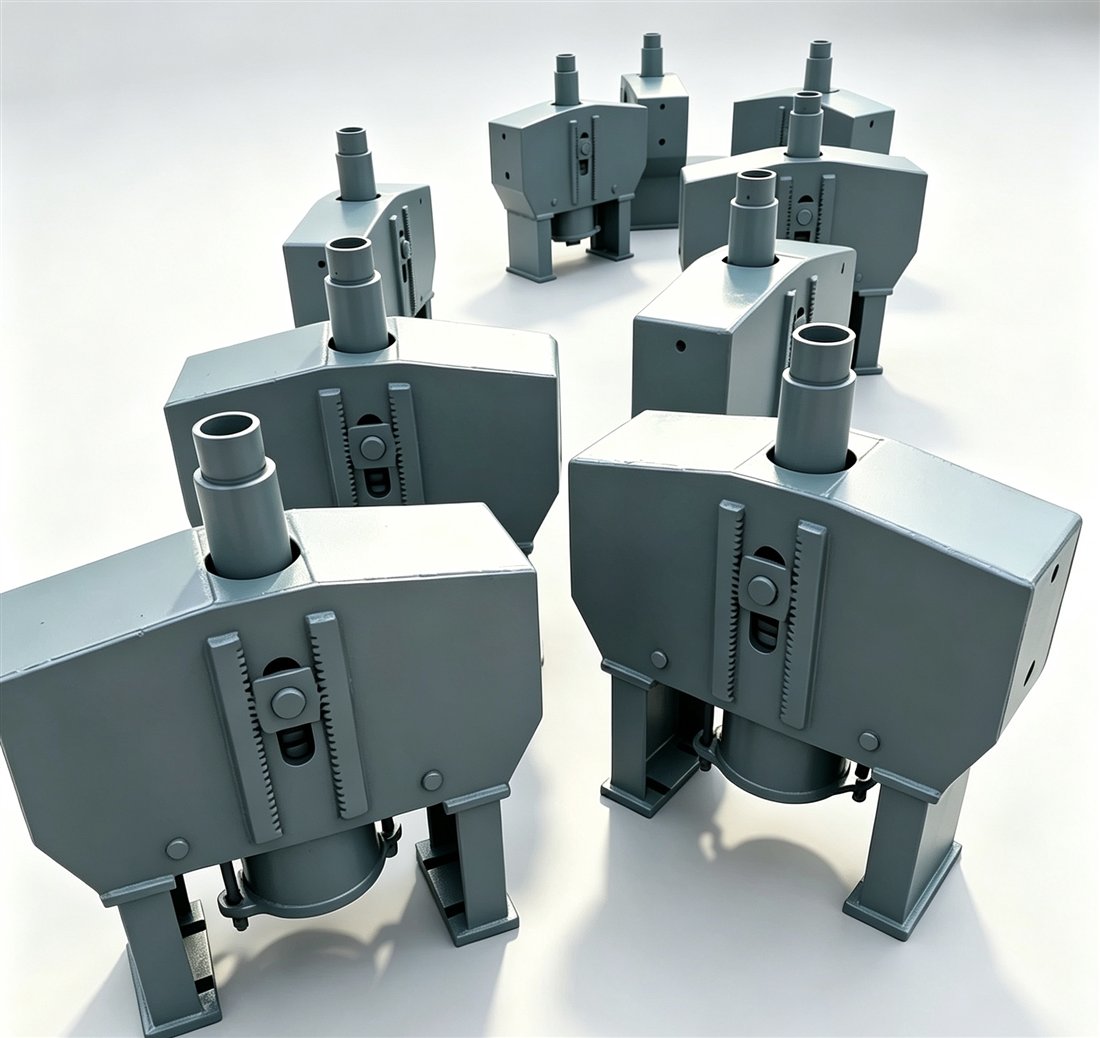
Start with controlled data, not a visual match
Constant supports are selected against a defined load and movement condition. Different frame or mounting arrangements can serve different installation envelopes, and similar-looking housings can correspond to different inputs. The buyer therefore needs two separate evidence blocks:
- Project-controlled inputs: the support tag, operating load, movement, arrangement, dimensions, specification and current drawing revision.
- Visible context: photographs of the unit, supporting steel, pipe-side connection, access and nearby interference.
The controlled inputs govern the technical review. Photographs help the supplier understand the physical context and identify missing questions. If the schedule, stress isometric and support detail disagree, list the conflict instead of silently choosing one record.
Minimum engineering inputs for each tag
| RFQ input | What to state | Control check |
|---|---|---|
| Support tag | Unique project tag or location reference | Matches schedule, drawing and quantity line |
| Operating load | Approved value, unit and named condition | Condition label is not inferred from a photo |
| Total travel | Required vertical movement and unit | Project value is distinguished from any supplier allowance |
| Movement direction | Up or down from the stated reference condition | Uses the project sign convention |
| Arrangement | Suspended, base-mounted or drawing-defined configuration | Linked to the available steel and pipe-side interface |
| Envelope | Headroom, installed length, base space and access limits | Dimensions identify their measurement points |
| Connections | Rod, pin, eye, lug, base or intermediate attachment data | Included and reused hardware are separated |
| Drawing basis | Schedule, stress isometric and support-detail numbers and revisions | Latest issue purpose is recorded |
A load number without a condition label is not a complete input. A travel value without direction and sign convention is also incomplete. Keep the original units with every value until the project team approves any conversion.
Reconcile the schedule, isometric and support detail
The hanger schedule may carry the tag, load, movement and arrangement, while the stress isometric shows the support location and movement vector. The support detail or structural drawing may define connection geometry and available space. Record all three references where they apply.
For each tag, ask four revision questions:
- Which document is the current source for load and travel?
- Which drawing controls the upper and lower interfaces?
- Are units and movement signs defined consistently?
- Who owns each blank, conflict or proposed alternative?
A quotation should repeat the revisions it reviewed. The phrase “as per drawing” is not sufficient when the drawing number or revision is absent.
Define arrangement, interfaces and space
Arrangement is more than a product-family label. State whether the unit is intended to hang from steel, sit on a base, fit between members or use another drawing-defined configuration. Then state the space available for the body, load connection and installation access.
At the upper and lower interfaces, provide the controlled thread, pin, hole, lug, rod, turnbuckle, load column or base details that apply. If an intermediate attachment is supplied by another party, identify that boundary. Do not ask a supplier to infer a mating dimension from a photograph or from a product-family name.
Use photographs as evidence context
| Photograph | Useful visible evidence | Still requires a controlled source |
|---|---|---|
| Overall view | General mounting direction, nearby steel and access | Load, travel, model and approval basis |
| Nameplate | Legible labels and values exactly as marked | Whether the plate matches the latest project revision |
| Travel scale | Observed indicator position at the photo time | Operating state and meaning of the marked position |
| Upper/lower interface | Visible connection chain and included hardware | Hidden dimensions, material and structural adequacy |
| Envelope view | Obstructions and access limitations | Verified dimensions and required installation clearance |
Keep every image tied to one support tag. Use original files when possible, record the photo date and operating state, and leave unreadable fields as TBC. A visible indicator should not be labelled “hot” or “cold” unless the operating condition and controlled record support that description.
Add quantity, finish, packing and document scope
A technically reviewable tag can still produce an incomplete quotation if the commercial and document boundaries are missing. State the quantity per tag, whether the order is one batch or several releases, the required finish or a visible TBC, destination, transport constraints, package-marking requirements and requested documents.
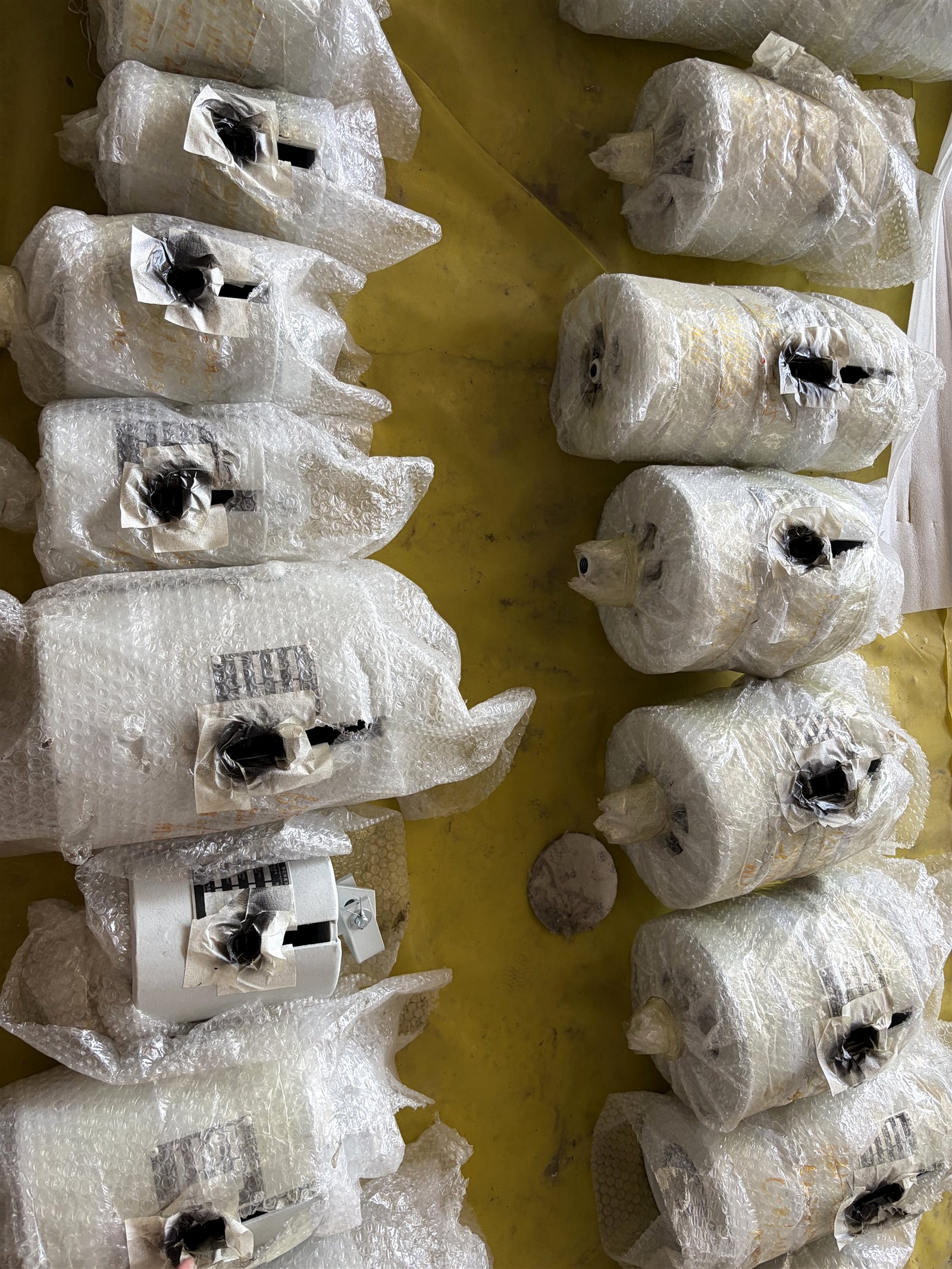
Ask the supplier to confirm which drawings, tag data sheets, inspection records, material documents, packing lists or packing photographs are included in the offered scope. The checklist is a request for confirmation, not a promise that every document applies to every order.
Copy-and-use constant support RFQ table
| Field | Buyer entry | Evidence / owner |
|---|---|---|
| Support tag and quantity | TBC | Schedule / BOM |
| Operating load, unit and condition | TBC | Approved stress or schedule record |
| Total travel, unit and direction | TBC | Approved stress or schedule record |
| Arrangement and available envelope | TBC | Support / structural drawing |
| Upper and lower interfaces | TBC | Detail drawing / measured record |
| Pipe size and operating temperature | TBC | Line list / isometric |
| Material and finish requirement | TBC | Project specification |
| Inspection and document requirements | TBC | Project quality/document list |
| Marking and packing requirements | TBC | Logistics / receiving plan |
| Open conflicts and permitted alternatives | TBC | Named approval owner |
Use one row or record per tag. Combine tags only after confirming that their load, travel, arrangement, interfaces, finish and document requirements are actually identical.
What the supplier response should show
| Review line | Supplier response requested | Why it matters |
|---|---|---|
| Input basis | List the tag, drawing and revision reviewed | Prevents a quotation from drifting to an obsolete source |
| Proposed scope | State the arrangement and included connection hardware | Separates the unit from project-side attachments |
| Open assumptions | Repeat every TBC, conflict and proposed alternative | Keeps missing inputs visible before selection or manufacture |
| Deliverables | Identify offered drawings, data sheets and records | Defines document scope before order placement |
| Deviation route | Mark any departure from the buyer input for approval | Prevents an alternative from becoming an unstated substitution |
Frequently asked questions
What information is needed to request a constant support quotation?
Provide one controlled record per support tag with the operating load, total travel and direction, arrangement, connection and envelope data, drawing references, quantity, finish, packing and document requirements. Mark unresolved fields TBC.
Is a photograph enough to select a constant support?
No. A photograph can show visible arrangement and connection context, but it does not establish the governing load, travel, direction, dimensions or approved project requirements.
Why should movement direction be stated separately from travel?
A travel magnitude does not say whether the supported point moves up or down from installation to operating condition. State the direction and project convention from the controlled stress or schedule record.
What should the supplier return with the quotation?
Ask for a tag-by-tag response identifying the input revision reviewed, proposed arrangement, included scope, open assumptions or deviations, and the offered drawing and document deliverables.
What if some RFQ inputs are not confirmed?
Keep each unknown visibly marked TBC, assign an owner or evidence source, and require the supplier to separate assumptions from confirmed project inputs. Do not invent values to complete the table.
Technical source and claim boundary
Official product documentation from LISEGA identifies technical nameplate, travel-scale, hot/cold-position and connection concepts on its own constant-support system. ASC Engineered Solutions' pipe-hanger catalog identifies load, actual travel and installation space as selection inputs for its own Model R range. These manufacturer sources support the buyer-side input categories used in this checklist; they do not establish a PipeAnchor model, rating, compliance statement or project selection.
Prepare the tag-level package for review
Start with the general pipe support enquiry checklist, attach the current schedule and drawings, and use the constant force hanger product page only for product-family context. If the support type is still open, compare variable and constant spring hangers before creating a tag-level RFQ. Send the controlled package for supplier review.